

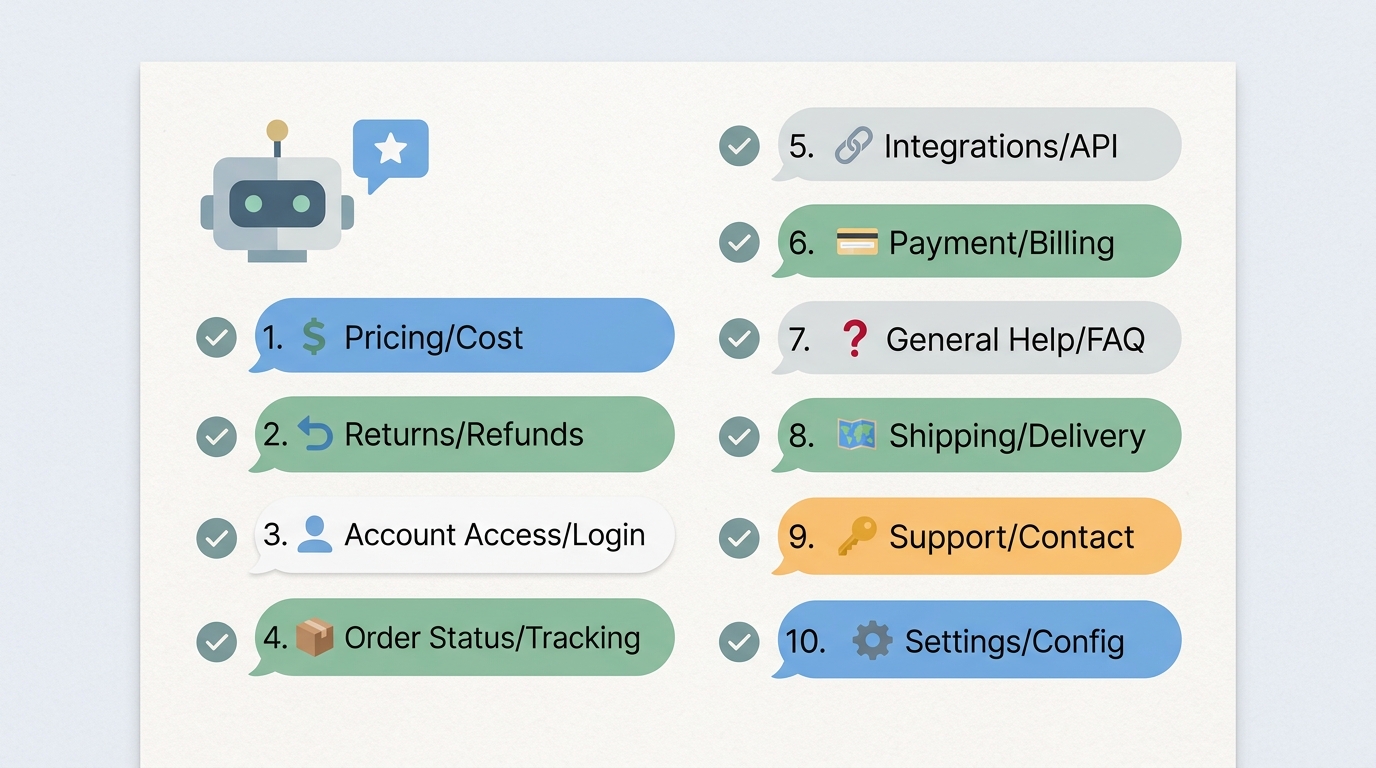
An AI chatbot that handles the questions customers actually ask is a customer support asset. One that escalates the same ten questions to your support team every day is an expensive redirector.
The ten questions covered in this article are not hypothetical or industry-specific edge cases. They are the questions that arrive in the inboxes of virtually every business operating an online presence - regardless of whether you sell software, physical products, professional services, or anything in between. Together they typically account for 40-70% of inbound support volume.
If your chatbot cannot answer all ten without routing to a human, you have identified your highest-priority training gaps.
The Baseline: What "Answer Instantly" Actually Means
Before examining the specific questions, it is worth being precise about what "answer instantly" requires:
- The chatbot responds in under 3 seconds with an answer that directly addresses the question
- The answer is accurate - it reflects current pricing, current policies, and current product behavior
- The answer is complete - it does not require the customer to follow up with an obvious clarifying question
- The answer is confident - the chatbot does not add unnecessary hedging that erodes trust ("I think this might be the case, but I'm not entirely sure...")
- The answer resolves the need - the customer can act on the information without additional steps
Current data puts the value of this standard in concrete terms:
- AI chatbots that consistently hit this standard achieve 85-90% deflection rates and 87.58% CSAT scores (Freshworks, 2025)
- Response time under 3 seconds produces 25% higher CSAT compared to responses taking 5+ seconds
- Customers whose questions are fully resolved by a chatbot report higher satisfaction scores than those handled by humans on the same standard questions (Gartner, 2025)
- Each category of question an AI can reliably answer eliminates on average 15-25 tickets per 1,000 monthly visitors from the human support queue
1. What Does Your Product or Service Actually Do?
Visitors who are not yet customers arrive on your website to evaluate whether your product or service is relevant to their problem. A chatbot that cannot articulate what the company does, who it is for, and what makes it worth considering is not a useful entry point for prospects.
This question comes in many forms: "What is [product name]?", "What does this do?", "Is this for businesses or individuals?", "How is this different from [competitor]?", and "What problem does this solve?"
Why this is critical: This is the first question a prospect asks, and the chatbot's answer forms their first direct experience with your brand voice and competence. A vague, generic, or marketing-heavy response signals that the chatbot is not actually useful for their evaluation.
What to include in training:
- A clear, plain-language description of what the product does
- The specific problem it solves
- Who the primary customer is (industry, company size, role)
- Two to three key differentiators from common alternatives
- A straightforward prompt toward a next step (trial, demo, or deeper exploration)
2. How Much Does It Cost?
Pricing questions are among the highest-volume queries at any business, and among the most frequently deflected. Many companies instruct their chatbot to avoid pricing details and route to sales - a decision that trains visitors to route around the chatbot entirely.
Customers who cannot get pricing information from the chatbot do not automatically request a sales conversation. Research consistently shows they go to a competitor's website to compare, and they may not come back.
Why this is critical: IBM found that 35% of customers will leave a website if they cannot find pricing information. A chatbot that deflects pricing questions is not protecting the sales funnel - it is puncturing it.
What to include in training:
- Current pricing tiers, with what is included in each
- How pricing is structured (per seat, per usage, flat rate, usage-based)
- What triggers an upgrade to a higher tier
- Whether a free trial or free tier is available and what it includes
- How to get a custom quote if the business offers enterprise or custom pricing
3. How Do I Get Started?
This question is asked by visitors who have already decided they want to try the product. It is the final step before acquisition - and a chatbot that routes this question to a human, requires a form submission, or provides a vague answer is introducing friction at the worst possible moment.
Why this is critical: Onboarding friction is the primary cause of trial-to-paid conversion failure in SaaS, and high cart abandonment in e-commerce. The chatbot's job here is to reduce friction to zero: tell them exactly what to click, and what happens next.
What to include in training:
- The specific starting action (click the signup button, add to cart, schedule a demo, create a free account)
- What information is required to get started
- How long initial setup takes
- What the first experience looks like after signup
- Where to go if they run into a problem during setup
4. Where Is My Order?
For e-commerce businesses, order status is the single highest-volume support query category - accounting for up to 40% of all inbound support inquiries at many stores. This question should not require a human under any normal circumstances.
Even for non-e-commerce businesses, equivalent questions exist: "Where is my invoice?", "When will my account be activated?", "What is the status of my request?"
Why this is critical: Customers who cannot get order status from the chatbot submit a support ticket, wait for a human response, and are frustrated by the time they hear back. The entire sequence is avoidable.
What to include in training:
- Integration with the relevant backend system to pull real-time status data
- Instructions for how to find an order number if the customer does not have it
- What the different order statuses mean in plain language
- What to do if the status indicates a problem (delayed, returned, lost)
- Escalation path for genuine issues (lost shipments, payment errors)
5. What Is Your Return or Refund Policy?
Return and refund policy is the second most common support query category after order status - and one of the most consequential. A customer who receives a clear, accurate answer to this question before purchasing is significantly more likely to complete the purchase. A customer who cannot get a clear answer is significantly more likely to abandon.
Post-purchase, the same question is equally important: a customer who learns they cannot return an item from the chatbot rather than a human agent arrives at the same answer with far less effort and resentment.
Why this is critical: 67% of online shoppers check the return policy before making a purchase (Narvar, 2025). A chatbot that cannot answer this clearly is failing at a fundamental pre-purchase trust moment.
What to include in training:
- The return window (exact number of days)
- What condition items must be in for return eligibility
- How to initiate a return (online portal, email, phone)
- Who covers return shipping costs
- How long refunds take to process and appear
- Exceptions to the standard policy (digital goods, sale items, personalized products)
6. How Do I Cancel My Account or Subscription?
Cancellation questions are frequently handled poorly by chatbots - either deflected to humans (which frustrates users trying to cancel and reflects badly on the company) or answered with a labyrinthine process designed to make cancellation difficult.
Neither approach serves the business. Clear, helpful answers to cancellation questions reflect company confidence and build the kind of goodwill that occasionally converts cancellations to pauses.
Why this is critical: The Federal Trade Commission's updated rules on subscription cancellations (2024) require that companies make cancellation as easy as signup. A chatbot that obstructs or deflects cancellation requests is not just a poor experience - it is a regulatory risk.
What to include in training:
- The exact steps to cancel, with no unnecessary friction
- Whether cancellations take effect immediately or at the end of the billing period
- What happens to data after cancellation
- Whether there is a pause or downgrade option as an alternative
- How to contact support if cancellation does not work as expected
7. How Do I Reset My Password or Access My Account?
Password reset is the quintessential tier-zero support request: high volume, zero judgment required, and fully automatable. A customer who submits a support ticket to reset a password is submitting a ticket that should not exist.
Account access questions extend beyond passwords: "I am not receiving the verification email", "My account says it is locked", "I was added to a team account but cannot find the invitation" - all of these have specific, procedural answers that the chatbot should provide without hesitation.
Why this is critical: 70% of support tickets at SaaS companies involve some form of account access issue (Okta, 2025). This is the highest-density automatable category in support.
What to include in training:
- The password reset flow, step by step
- What to do if the reset email does not arrive (check spam, resend, check email address)
- How to handle a locked account (typical triggers and how to unlock)
- Team/organization account access patterns (invitation emails, admin access, role management)
- Escalation path when self-service account recovery fails
8. Does Your Product Integrate With [Tool]?
Integration questions are critical at the evaluation stage - and they are highly specific. A prospect evaluating your product needs to know whether it connects to the tools they already use, and if so, how the connection works and what data flows between the systems.
This question comes in many forms: "Does this work with Salesforce?", "Can I connect it to my Shopify store?", "Is there a Zapier integration?", "Does it have an API?"
Why this is critical: 85% of B2B buyers say integrations are a key factor in software purchasing decisions (G2, 2025). A chatbot that cannot answer integration questions confidently is leaving evaluation decisions unmade.
What to include in training:
- A list of native integrations, with brief descriptions of what each does
- API availability and documentation link
- Automation platform support (Zapier, Make, n8n, custom webhooks)
- How to request an integration that does not currently exist
- Known limitations or requirements for specific integrations
9. Is My Data Safe? How Do You Handle Privacy?
Privacy and data security questions have become standard at the evaluation stage for virtually every category of software - and increasingly for consumer products as well. Customers want to know where their data is stored, who has access to it, and what happens to it if they leave.
A chatbot that deflects these questions signals that the company is either not confident about its security posture or has not prioritized the question - neither impression is useful.
Why this is critical: 81% of consumers say they would stop engaging with a brand that experienced a data breach (PwC, 2025). Trust is the precondition for the purchase, and security and privacy questions are trust-building opportunities.
What to include in training:
- Data storage location (country or region, cloud provider)
- Encryption at rest and in transit
- Access controls (who at the company can see customer data)
- Compliance certifications (SOC 2, GDPR, HIPAA, ISO 27001)
- Data deletion policy upon account cancellation
- Privacy policy link and key provisions in plain language
10. How Do I Contact a Human?
The final question that every AI chatbot must handle instantly is the one that acknowledges its own limitations: how do I reach a real person?
This question is not a failure state. Customers who want to reach a human have usually arrived at that preference for a specific reason - complexity, sensitivity, urgency, or personal preference. Directing them clearly and immediately to the right channel is a service, not an escalation problem.
A chatbot that obstructs access to human support in the hope of maintaining deflection rates is optimizing the wrong metric. It generates frustrated customers who distrust the AI and route around it in the future.
Why this is critical: 59% of customers want access to a human agent even when AI is available (Salesforce, 2025). Forcing automation on customers who want a human is one of the most reliable ways to damage satisfaction scores.
What to include in training:
- All available contact channels (email, phone, live chat, support ticket portal)
- Current support hours for each channel
- Expected response times for each channel
- How to reach a human immediately through the chat interface
- Escalation triggers that automatically route to a human (VIP status, certain issue types, explicit request)
Auditing Your Current Chatbot
To identify which of these ten questions your chatbot handles reliably, run the following audit:
- Ask each question in five different phrasings - using the vocabulary and sentence structures a non-technical customer might use
- Rate each response: Does it answer accurately? Is it complete? Does it escalate unnecessarily?
- Pull the last 30 days of escalation logs and identify which of these categories appears most frequently
- Review low-confidence responses to see if any fall into these ten categories
The results will give you a prioritized training gap list. Start with the questions that generate the most escalations and the highest customer contact volume.
Coverage Benchmark
| Question Category | Typical Ticket Volume (% of total) | Optimal Chatbot Response |
|---|---|---|
| What does your product do | 5-10% (prospect volume) | Instant, plain-language answer |
| Pricing | 10-15% | Current tiers, with CTA |
| How to get started | 5-10% | Step-by-step with zero friction |
| Order status | 20-40% (e-commerce) | Real-time data from backend |
| Return/refund policy | 10-15% | Full policy, specific and accurate |
| Cancellation | 5-8% | Clear process, no obstruction |
| Password / account access | 15-25% (SaaS) | Self-service flow, with fallback |
| Integration questions | 8-12% (SaaS evaluation) | Full integration list + API info |
| Data security and privacy | 5-8% (evaluation stage) | Clear compliance posture |
| Reach a human | 10-15% | Immediate channel + hours |
A chatbot that handles all ten of these questions reliably will resolve 40-70% of total inbound contact volume without a human agent. At scale, that is the difference between a support function that is constantly understaffed and one that has the capacity to focus exclusively on the questions that actually require human judgment.
More Articles
How to Train an AI Chatbot on Your Own Business Data
Learn how to feed your website, documents, and FAQs into Paperchat so your AI chatbot answers like an expert on your business.
March 29, 2026
7 Mistakes to Avoid When Training Your AI Chatbot
The difference between a chatbot that builds trust and one that frustrates customers often comes down to training quality. Here are the seven most common mistakes, and how to fix them.
April 12, 2026