
From 200 Support Tickets a Week to 50: A Paperchat Case Study
How Stackwise, a B2B SaaS project management tool, used Paperchat to cut weekly support tickets by 76% and reclaim their team's time for actual customer success work.

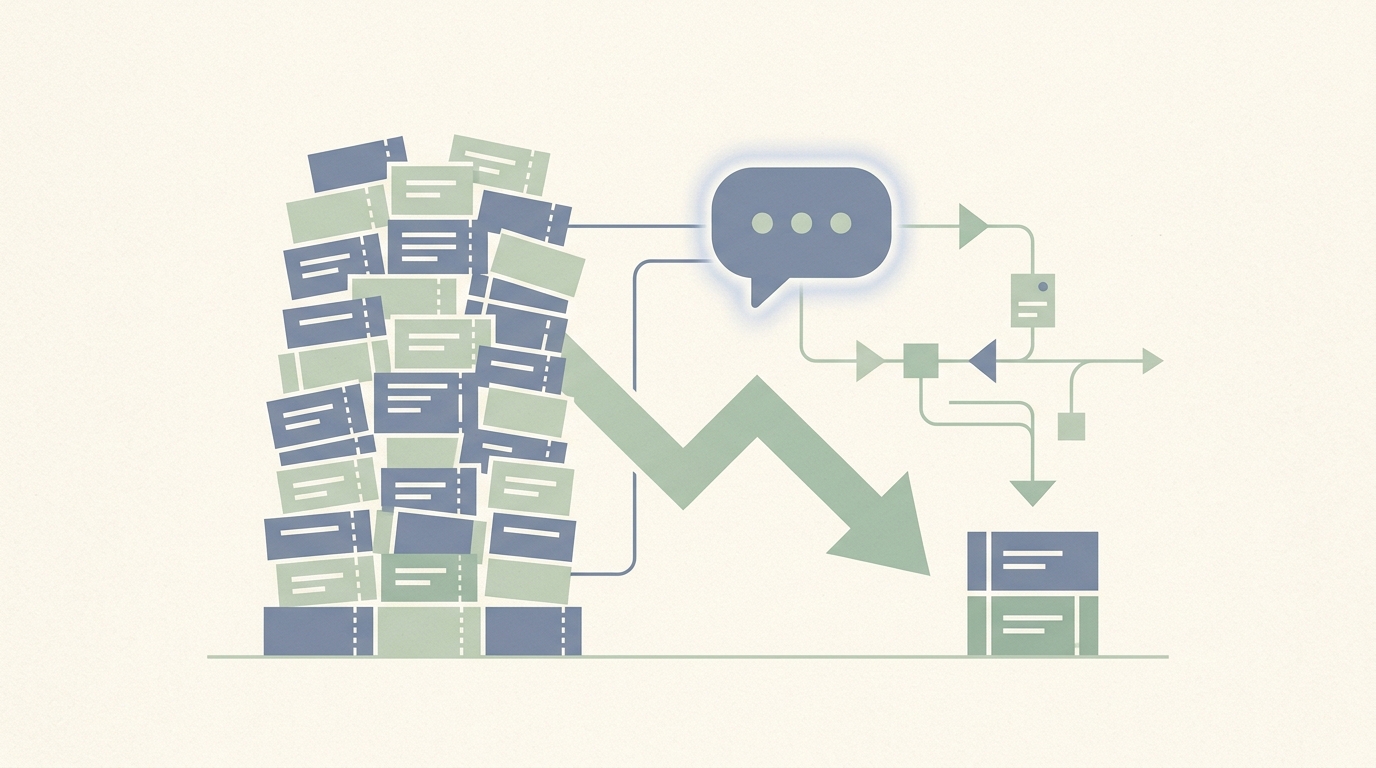
At $4 million in annual recurring revenue, Stackwise had a support problem that looked like a success problem. Their B2B project management tool for agencies was growing steadily - 800 customers, healthy expansion revenue, a product team shipping features every two weeks. But on the other side of that growth was a two-person support team fielding 200 tickets every single week, averaging 8-hour response times, and watching new users drop off before ever reaching their first "aha" moment.
The founders had drafted a job description for two additional support hires. The budget math was clear: $80,000 in additional annual labor costs, plus recruiting. What was less clear was whether hiring more people would actually solve the problem - or whether it would just raise the ceiling before the next growth inflection hit the same wall.
This is the story of how Stackwise chose a different path, implemented Paperchat in three days, and cut their weekly ticket volume from 200 to 47 while improving the metrics that actually mattered: user activation, 3-month churn, and the quality of work their support team was doing every day.
The Anatomy of 200 Weekly Tickets
Before diagnosing a problem, you have to understand it. The Stackwise team did a manual review of 6 weeks of ticket data before considering any solution. What they found was predictable in pattern but significant in implication.
Their 200 weekly tickets broke down as follows:
| Category | Share of Tickets | Weekly Volume | Examples |
|---|---|---|---|
| Feature questions | 35% | 70 tickets | "How do I set up task dependencies?" "Can I export to CSV?" |
| Onboarding help | 25% | 50 tickets | "I can't find the template library" "How do I invite my team?" |
| Billing inquiries | 20% | 40 tickets | "What happens when I upgrade?" "Can I pause my account?" |
| Bug reports | 15% | 30 tickets | Actual software defects requiring engineering attention |
| Other | 5% | 10 tickets | Miscellaneous partner and enterprise inquiries |
The critical insight in this data: 80% of the ticket volume - everything except actual bug reports and the miscellaneous category - consisted of questions with known, documentable answers. These were not complex problems requiring judgment or empathy. They were information retrieval tasks.
The support team knew this. They had noticed years ago that they were copy-pasting the same answers repeatedly. The documentation existed. The knowledge was in their heads and in their help center. The problem was not knowledge - it was the gap between where that knowledge lived and how customers were trying to access it.
A customer hitting a wall on task dependency setup at 10pm on a Thursday was not going to browse through 40 help articles to find the answer. They were going to submit a ticket. And a support rep was going to answer it the next morning, 8 hours later, after the user had already mentally churned.
The Churn Signal Hidden in the Ticket Data
The 8-hour average response time was uncomfortable. But the churn data was alarming.
Stackwise tracked activation - defined as completing key onboarding milestones - as a leading indicator of retention. Users who activated properly (created their first project, invited team members, set up at least one workflow) churned at dramatically lower rates than those who stalled during onboarding.
The problem: 52% of new users were completing proper onboarding. That meant nearly half of every new customer cohort was entering a precarious state within their first two weeks - not enough product depth to feel invested, not enough success to justify the subscription.
When the team pulled the correlation, it was stark. New users who submitted an onboarding-related support ticket and waited more than 6 hours for a response showed 3x higher churn rates in the following 30 days than users whose onboarding questions were answered quickly. The 8-hour response time was not just a support quality issue. It was a revenue leak.
The 3-month churn rate of 18% was already a flag. Against the 10% target the founders had set, it represented a meaningful gap. And a significant portion of that gap traced back to a solvable problem: new users could not get onboarding help quickly enough to activate properly.
Why Paperchat, and the $49 vs. $500 Decision
The team evaluated several options before choosing Paperchat. Intercom, with its full-featured support platform, was the category leader. But the pricing math for a 2-person support team at a company with 800 customers was significant - $500+ per month for the functionality they needed, before accounting for seat-based add-ons.
The requirements were specific:
- An AI that could be trained on their actual product documentation, not a generic knowledge base that would hallucinate feature descriptions
- Human escalation capability for bug reports, enterprise inquiries, and any case requiring judgment
- A webhook integration path to their CRM via Zapier
- Deployment on at least three surfaces: website, documentation portal, and in-app help widget
Paperchat's Pro plan at $49 per month satisfied all four requirements. The critical differentiator was the training mechanism: Paperchat allows you to train the AI directly on your own documentation, URL content, uploaded files, and custom text - so responses are grounded in what you have actually published, not what a foundation model approximates.
For a product with significant feature depth and frequently-updated documentation, this distinction mattered more than any other factor. An AI that could confidently answer "how do I set up task dependencies in Stackwise" from the actual Stackwise documentation was fundamentally more useful than a sophisticated-sounding AI that approximated an answer based on knowledge of other project management tools.
The Implementation: Three Days
The implementation timeline was a significant factor in the final evaluation. A 3-day deployment versus a weeks-long enterprise integration changes the risk calculus considerably.
Day 1: Knowledge Base Training
The team identified the content that would cover the 80% of answerable tickets. This included:
- The full product documentation (42 pages, uploaded as a PDF and as URL-based training)
- A feature guide covering the 20 most-used capabilities in detail
- The pricing page and plan comparison
- A billing FAQ built from the 40 most common billing questions (written specifically for this purpose during implementation)
- All 5 existing onboarding guides
Training the Paperchat knowledge base from these sources took approximately 4 hours - most of that time spent writing the billing FAQ rather than configuring the AI itself.
Day 2: Escalation Configuration and Integrations
Human escalation was configured for three specific scenarios:
- Bug reports: any conversation mentioning terms associated with software defects, error messages, or "not working as expected" - routed directly to the engineering-facing support rep
- Enterprise inquiries: conversations involving contract negotiation, custom pricing, security compliance, or procurement
- Data export requests: a sensitive category given GDPR implications, always requiring human sign-off
The Zapier webhook was configured in parallel. Every conversation - whether resolved by AI or escalated to a human - was automatically logged to their CRM with the conversation transcript, the user's account details, and a timestamp. This turned every chat interaction into a CRM data point, something the previous email-based support flow had never produced.
Day 3: Deployment and Testing
The chatbot was embedded on three surfaces. Each had a slightly different prompt configuration tuned to the context:
- Website chat: focused on product overview, pricing questions, and trial activation
- Documentation portal chat: focused on feature-specific questions, "how do I" queries, and error troubleshooting
- In-app help widget: focused on onboarding tasks, workflow setup, and feature discovery for authenticated users
A full day of testing followed - the team ran through 60 representative queries drawn from their historical ticket data to verify accuracy, check escalation triggers, and refine response tone.
The 90-Day Results
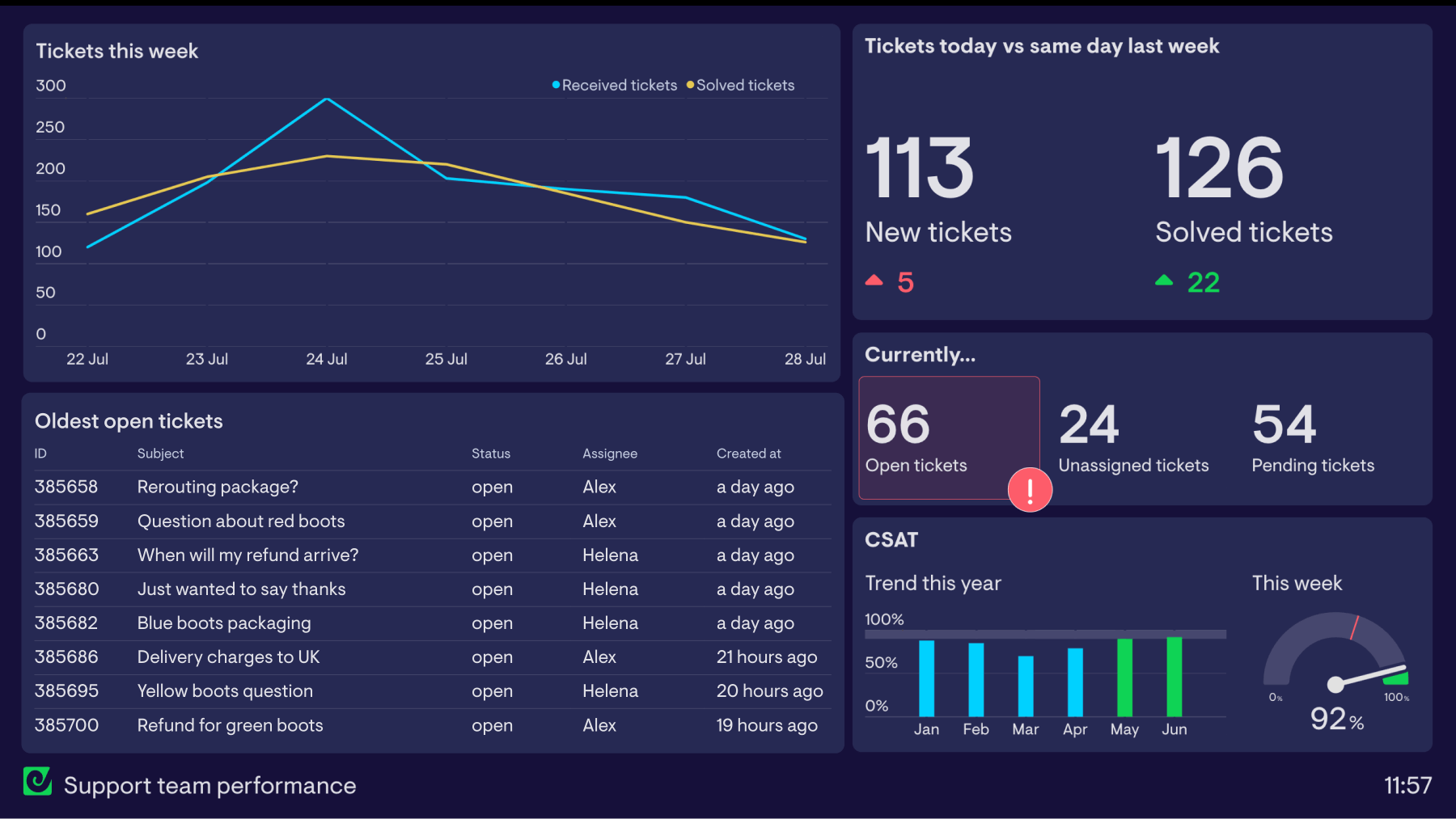
Weekly Support Ticket Volume (Pre and Post Paperchat)
12-week window spanning 3 weeks pre-launch through 8 weeks post-launch
Source: Stackwise internal support data, 2025. Ticket count reflects all inbound support requests regardless of channel.
The impact was visible within the first week. By the end of 90 days, the results were measurable across every metric the team cared about.
Ticket Volume: The Primary Goal
Weekly ticket volume dropped from 200 to 47 - a 76.5% reduction. The distribution of remaining tickets shifted predictably: bug reports and enterprise inquiries now accounted for the majority of what reached the human queue, with feature questions and billing inquiries reduced to a trickle.
| Metric | Before Paperchat | After 90 Days | Change |
|---|---|---|---|
| Weekly tickets (total) | 200 | 47 | -76.5% |
| Feature question tickets | 70/week | 12/week | -83% |
| Onboarding tickets | 50/week | 8/week | -84% |
| Billing tickets | 40/week | 6/week | -85% |
| Bug report tickets | 30/week | 17/week | -43% |
| Average response time | 8 hours | Under 2 minutes | -98.5% |
| Chatbot resolution rate | N/A | 73% | Established |
The bug report reduction (lower than other categories) reflects intentional design: the escalation triggers were configured to catch these early. The AI was not attempting to resolve bug reports - it was routing them to humans immediately. The remaining reduction came from users who had described what looked like a bug but turned out to be a configuration issue or misunderstanding, which the AI resolved correctly.
Onboarding and Activation: The Bigger Win
The team had expected ticket reduction. They had not fully anticipated the activation impact.
Onboarding completion rate climbed from 52% to 81% over the 90-day period. New users who encountered friction during onboarding now had an instant resource available at the exact moment they needed it - not 8 hours later. The correlation between quick answers and successful onboarding turned out to be direct and substantial.
This shift had downstream consequences. Users who activate properly within their first two weeks show higher expansion revenue, higher NPS scores, and dramatically lower churn rates in every cohort study the team ran.
Churn: The Revenue Impact
Three-month churn improved from 18% to 11% over the 90-day observation period. This figure should be treated with appropriate caution - churn is a lagging indicator, and a single quarter is not a statistically conclusive period. But the directionality was consistent with the activation data, and the team attributed the majority of the improvement to the onboarding activation effect.
At $4 million ARR, a 7-percentage-point improvement in 3-month churn translates directly to retained revenue. Customers who previously would have churned at month 3 were now staying through month 6 and beyond.
The ROI Calculation
The founders had budgeted for $80,000 in additional support hiring. That budget was the relevant comparison baseline.
| Cost/Benefit Item | Amount |
|---|---|
| Paperchat Pro plan (annual) | $588 |
| Implementation time (internal, 3 days) | ~$2,000 (estimated) |
| Total first-year investment | ~$2,588 |
| Alternative cost (2 additional support hires) | $80,000/year |
| Net cost avoidance | ~$77,400 |
| Churn improvement (7pp x $4M ARR) | ~$280,000 retained ARR (estimated) |
| Estimated activation revenue uplift | ~$45,000 additional ARR |
The cost avoidance alone represented a 29x return on the first-year investment. The revenue impact from improved activation and churn reduction is harder to attribute with precision to a single variable, but the directional case is strong.
What the numbers do not capture is the qualitative shift in the support team's work. The two support team members were no longer processing 200 tickets per week. They were handling 47 cases that genuinely required human judgment - bug escalations, enterprise relationships, edge cases the AI was not equipped to handle. Every conversation they entered, they had full context from the chatbot transcript. They were doing actual customer success work.
Three Lessons Worth Generalizing
The Stackwise implementation produced three insights that apply beyond this specific case.
Lesson 1: Knowledge Base Accuracy Was the Critical Differentiator
The team evaluated generic AI chatbots before choosing Paperchat. The difference was immediately apparent in testing: a chatbot trained on Stackwise's actual documentation produced accurate, specific answers about Stackwise features. A generic model approximated answers based on what project management tools usually look like. For a product with specific terminology, unique feature names, and a particular workflow philosophy, the difference between "approximately right" and "correctly anchored to our documentation" was the difference between a tool users would trust and one they would dismiss after a single bad answer.
The implementation principle: invest time in the knowledge base before deployment. The quality of the chatbot's responses is a direct function of the quality of the content it was trained on.
Lesson 2: The Zapier Integration Turned Every Conversation Into Data
Before Paperchat, the support team had ticket data: volume, category, resolution time. After the implementation, they had conversation data: every question asked, every escalation triggered, every topic cluster, every user who had a particular type of friction.
This data surfaced patterns that pure ticket analytics could not. Feature requests embedded in support questions. Documentation gaps where multiple users asked the same question and the AI struggled to answer. Onboarding friction points clustered around a specific workflow step that turned out to be a UX problem, not a knowledge problem. The CRM integration turned the chatbot into a listening post - not just a ticket deflector.
Lesson 3: Activation Impact Exceeded Expectations
The founders went into the implementation expecting to reduce ticket volume and avoid a hiring cost. What they got, additionally, was a meaningful improvement in the metric most predictive of long-term revenue: user activation.
The mechanism was straightforward in retrospect. New users hit friction. Friction had always been there. The difference was resolution speed - and resolution speed was now measured in seconds rather than hours. Users who got unstuck immediately continued exploring the product. Users who waited overnight often decided the product wasn't intuitive enough and moved on.
For SaaS companies with a self-serve onboarding motion, this may be the single highest-leverage application of an AI chatbot. Not as a support deflection tool, but as an activation accelerator.
What the Remaining 47 Tickets Look Like
One clarifying note for teams considering a similar path: the goal is not zero tickets. The goal is zero tickets that should not have required a human.
The 47 weekly tickets that remained after implementation were, with rare exceptions, the right tickets to have. Bug reports that needed engineering triage. Enterprise prospects with procurement requirements. Edge cases in billing that required account-specific judgment. Customers in genuinely difficult situations requiring a human touch.
The support team's job changed from ticket processing to problem-solving. That distinction, while harder to quantify than a ticket reduction metric, may have been the most durable outcome of the entire project.
More Articles
8 Ways AI Chatbots Reduce Support Ticket Volume
A detailed breakdown of how AI chatbots cut inbound support ticket volume, with current performance benchmarks, real case studies, and practical guidance on implementation.
April 8, 2026
How to Add a Live Chat Widget to Your Website in Under 10 Minutes
A step-by-step guide to installing Paperchat's AI chat widget on any website — no developer required.
March 29, 2026
How to Set Up AI-to-Human Handover in Your Customer Support Chat
A practical guide to configuring seamless handoff from your AI chatbot to a live agent — so no customer ever hits a dead end.
March 29, 2026